configuration heaven ☁️
| .husky | ||
| .gitignore | ||
| .mailcap | ||
| .muttrc | ||
| .nvidia-settings-rc | ||
| .signature | ||
| .tmux.conf | ||
| .vimrc | ||
| install.sh | ||
| LICENSE | ||
| package.json | ||
| pnpm-lock.yaml | ||
| README.md | ||
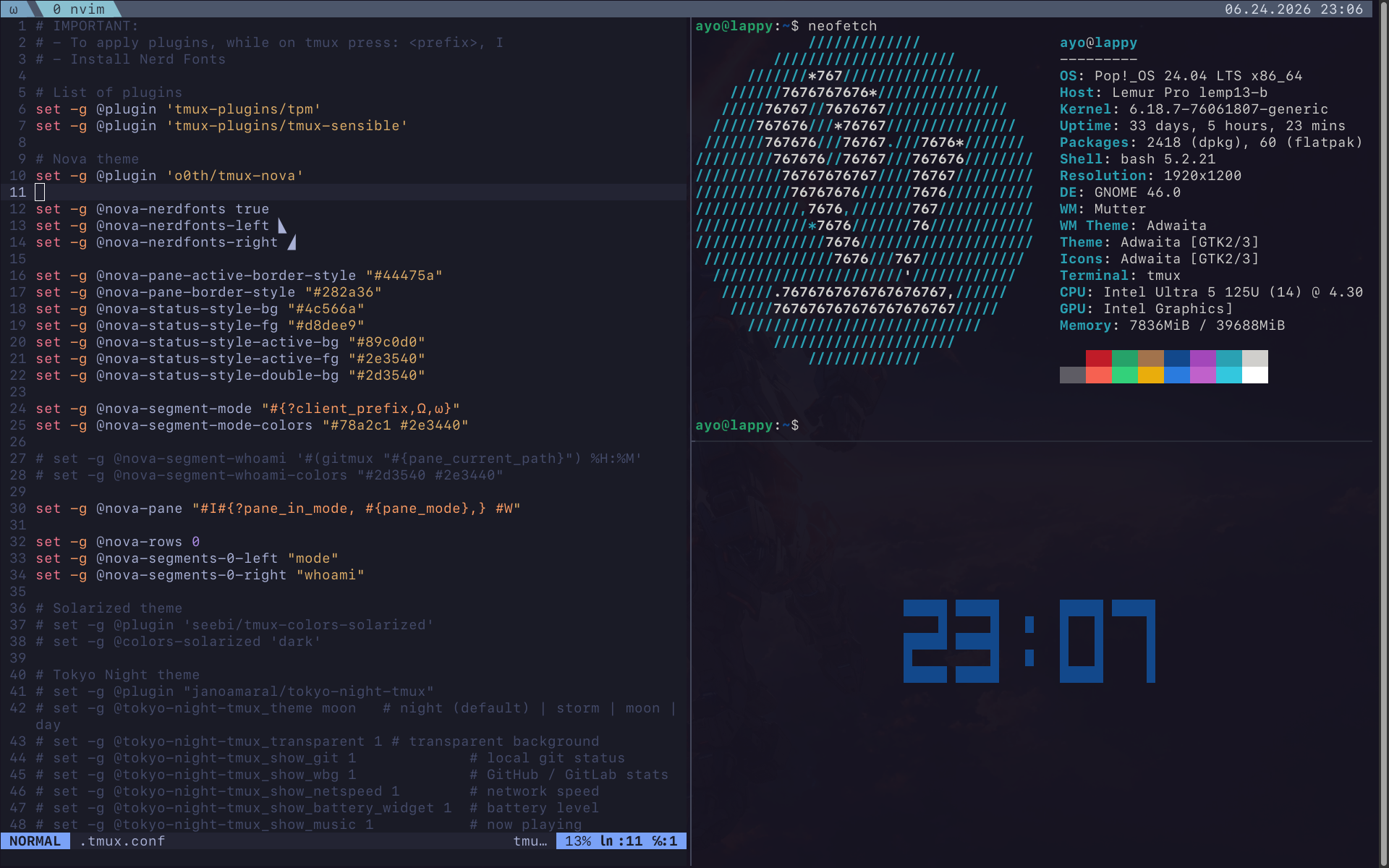
| tmux.png | ||
| vscode-settings.json | ||


Ayo's various configuration files
Setup
Clone the repo
git clone git@github.com:ayo-run/dotfiles
Then symlink to correct places. For example, the .vimrc usually goes to user home directory
cd dotfiles
ln -rsf ./.vimrc ~/
For vim, vundle is used
- install vundle
git clone https://github.com/VundleVim/Vundle.vim.git ~/.vim/bundle/Vundle.vim
- open
vimthen run:PluginInstall
For tmux, tpm is used
- install tpm
git clone https://github.com/tmux-plugins/tpm ~/.tmux/plugins/tpm
- open
tmuxthen[prefix] I
terminal fonts
- Install
SFMono-Nerd-Font-Ligaturized
git clone https://github.com/shaunsingh/SFMono-Nerd-Font-Ligaturized.git && cd SFMono-Nerd-Font-Ligaturized
cp *.otf ~/.local/share/fonts
- use as terminal font via preferences
install gitmux for git info on tmux bar
- Download the latest release
- Extract to local shared and link
cd Downloads
tar -C ~/.local/share/ -xzf ./gitmux...tar.gz

# link binary
ln -s ~/.local/share/gitmux ~/.local/bin/gitmux

# confirm
gitmux -V
display git info on terminal prompt
Add the following to your .bashrc
export GIT_PS1_DESCRIBE_STYLE="default"
source /etc/bash_completion.d/git-prompt
PS1='\[\033[01;32m\]\u@\h\[\033[00m\]:\[\033[01;34m\]\w\[\033[00m\]\[\033[01;31m\]$(__git_ps1 " (%s)")\[\033[00m\]\$ '